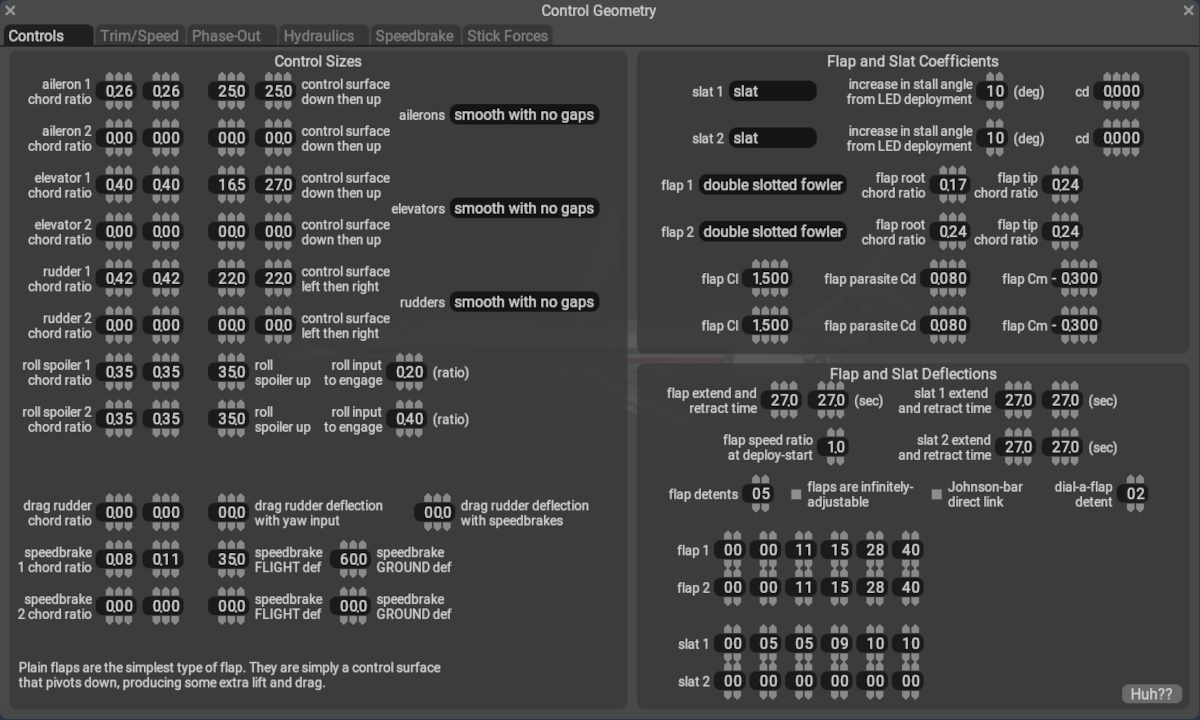
General
This Controls Tab is used to configure the size, deflection and dynamic characteristics of Flight Control Surfaces located on Wings and Stabilizers. Flight control surfaces are assigned to Wing and Stabilizers on a per element basis on the Wings and Misc Wings sections of PlaneMaker; however, their movements and sizing are configured here on this tab.
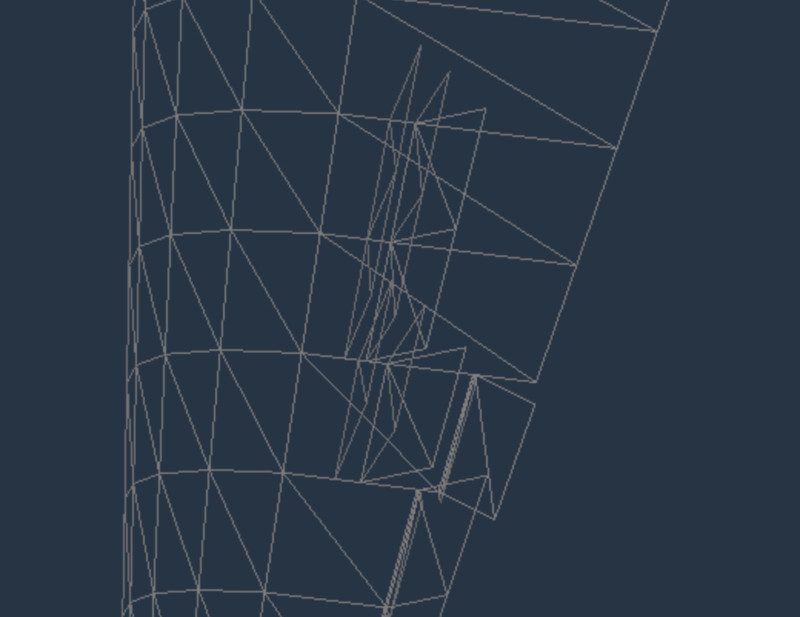
Some control surfaces, like ailerons and flaps, reserve sections of the wing elements, meaning only one control of that type may be on that element. For example, if Flaps 1 is enabled on an element and Flaps 2 is enabled on the same element, then Flaps 1 will be deselected. In contrast, spoiler and speedbrake surfaces may be located on top of one another as these elements are added to the top of the wing per your configuration.
Click to See Overlapping Spoilers and Speedbrakes in Planemaker.
NOTE
Datarefs that represent the actual deflection angles of any given control surfaces are array type datarefs, and the array indicies representing the deflection value is mapped to the wings in a non-intuitive way. If you are creating your own 3D model and animating control surfaces with these deflection datarefs, then you should absolutely read the section at Modeling Geometry > Control Surfaces > Deflection Indicies