NOTE
If you are new to configuring Wings in PlaneMaker, then please see the GEOMETRY > Wings Overview section first as it discusses concepts and terms utilized in the GUI and tooltips above.General
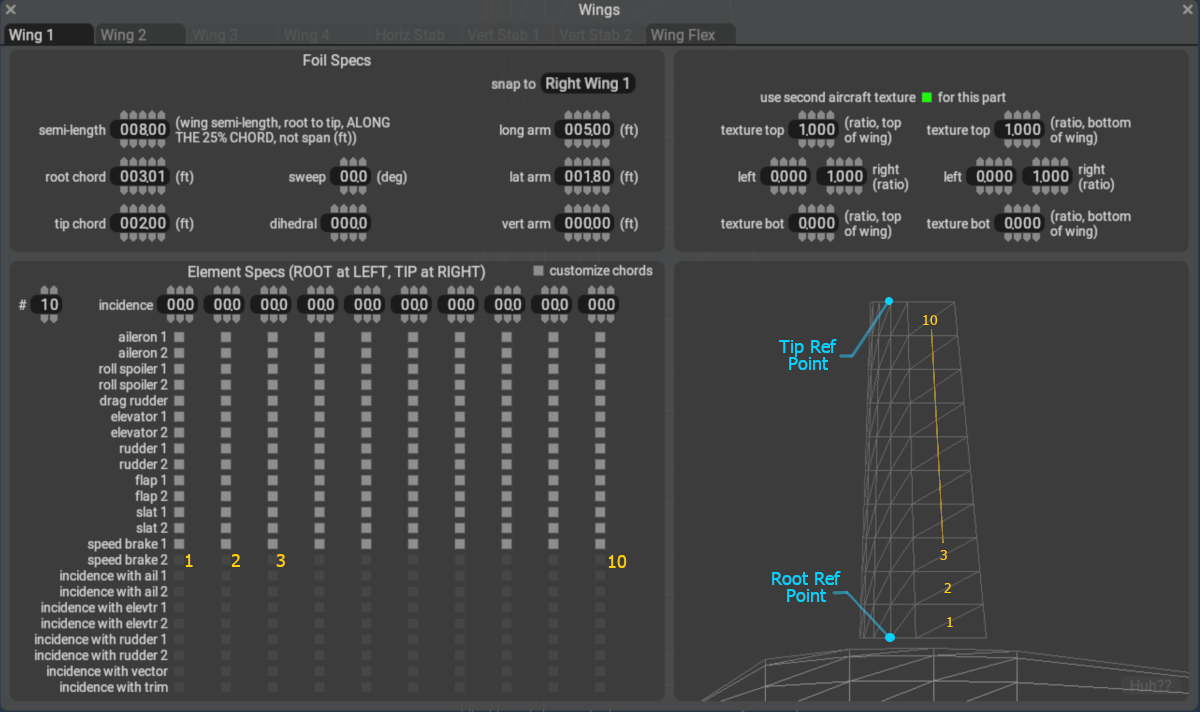
This Wings window is used for configuring Wing Panels on an aircraft. To X-Plane, a Wing Panel is any surface that is associated with an airfoil, and therefore will affect lift, moments and drag forces from airflow over the surface.
Note that all horizontal wings, that is Wings 1 thru 4 and the Horiz Stab are symmetrical about the centerline and two wings (one on each side) will be created for each horizontal Wing Tab configured.
The Vert Stab 1 and 2, in contrast, are NOT symmetrical surfaces. If symmetrical "twin tails" are desired, then both Vert Stabs 1 and 2 will need to be configured. If a "triple tail" is desired, then a Misc Wing may be used for the 3rd vertical stab.